Travel workspace guide
Best Portable Monitor Stands for Travel Work
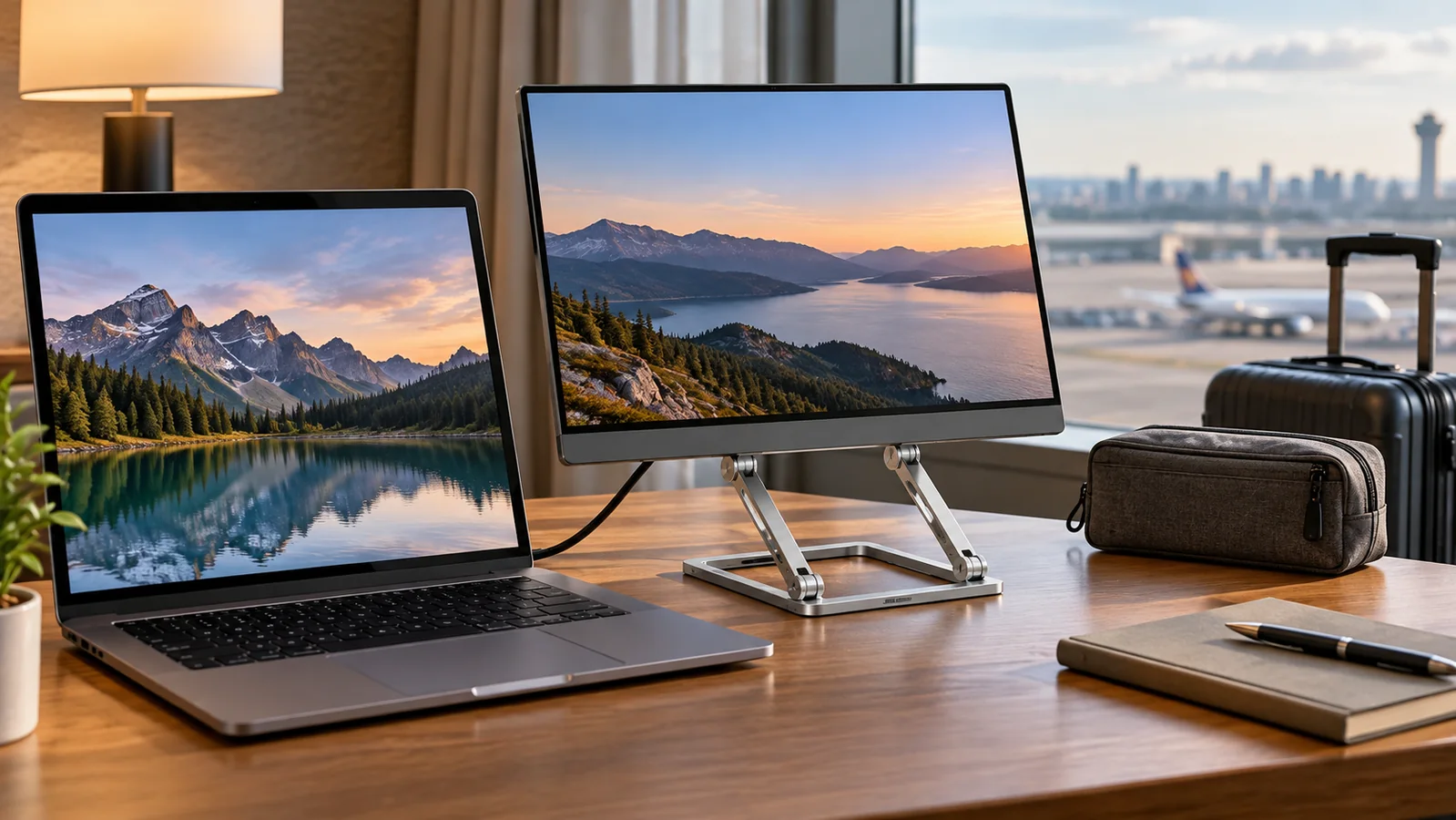
A portable monitor is much easier to use when the screen sits at a comfortable height and does not slide backward every time you connect a cable. The right stand should support the monitor securely, fold small enough for your bag, and work on the narrow desks you actually encounter in hotels, coworking spaces, and temporary offices.
Shortlist
Portable monitor stands to compare
Some buttons use affiliate links to Amazon US. Check weight limits, contact points, packed dimensions, and monitor compatibility before buying.
Foldable Adjustable Monitor Stand
A balanced option for travelers who want height and angle adjustment without carrying a full desk arm.
Check on AmazonCompact Tablet-Style Stand
A small folding stand for lighter monitors when packed weight matters more than maximum height.
Check on AmazonHeight-Adjustable Travel Stand
A taller stand category that brings the second screen closer to laptop or eye level.
Check on AmazonWeighted Folding Monitor Stand
A heavier base for users who value a steady screen more than the smallest possible travel kit.
Check on AmazonCompare portable monitor stand types
| Stand type | Best for | Main tradeoff |
|---|---|---|
| Foldable adjustable stand | Most travel work setups | More joints can add weight |
| Tablet-style stand | Light monitors and minimal bags | Limited height adjustment |
| Height-adjustable stand | Long work sessions | Needs a wider, stable base |
| Weighted stand | Repeat hotel or office use | Heavier to carry |
Start with your monitor, not the stand
Check the monitor's weight, thickness, cable locations, and built-in cover before comparing stands. A support lip that blocks a bottom USB-C port can make an otherwise stable stand unusable. If your screen already has a dependable kickstand, a separate stand is only worth carrying when you need more height or a smaller desk footprint.
What matters most for travel?
- Stability: the screen should stay steady when cables move or the desk is bumped.
- Packed size: confirm the folded stand fits your tech pouch or laptop compartment.
- Contact points: rubber pads help protect the monitor and reduce slipping.
- Cable clearance: the support lip should not block USB-C, HDMI, or headphone ports.
How to choose between the picks
Choose a general foldable stand if you work from different locations and want a reliable middle ground. Choose a tablet-style stand if every ounce matters and your monitor is light. Choose a taller stand when you regularly work for several hours and want both screens aligned. Choose a weighted stand when the setup stays in one room for days at a time and stability matters more than backpack weight.
Set up the screen without wasting desk space
Put the monitor beside the laptop for reference work, or place it above a low laptop when the desk is too narrow for two screens. Keep the heavier device closest to the center of the desk. Route the power cable behind the stand and leave enough slack that a small movement does not pull the display off balance.
Common buying mistakes
The most common mistake is choosing by folded size alone. Very small stands can work well for a tablet but struggle with a 15.6-inch portable monitor. Another mistake is assuming a stand made for a laptop will hold a thin display securely. Compare the support lip, base width, hinge resistance, and stated load before ordering.
When to skip a separate stand
Skip it if your monitor's integrated kickstand already gives you a comfortable angle, or if most of your sessions last less than an hour. A separate stand earns its space when it improves viewing height, creates room under the screen, or prevents an unreliable folding cover from collapsing.
Portable monitor stand FAQ
- Can a tablet stand hold a portable monitor?
- Some can, but only when the stand's load rating, base width, and support lip suit the monitor.
- Is a magnetic stand better?
- Magnetic mounting can be convenient, but compatibility and magnetic strength vary. A supported ledge is easier to use across different screens.
- How high should the portable monitor sit?
- For longer sessions, align it near the laptop screen or raise the top third closer to eye level.