Tech guide
Best Portable Monitors for Travel Work
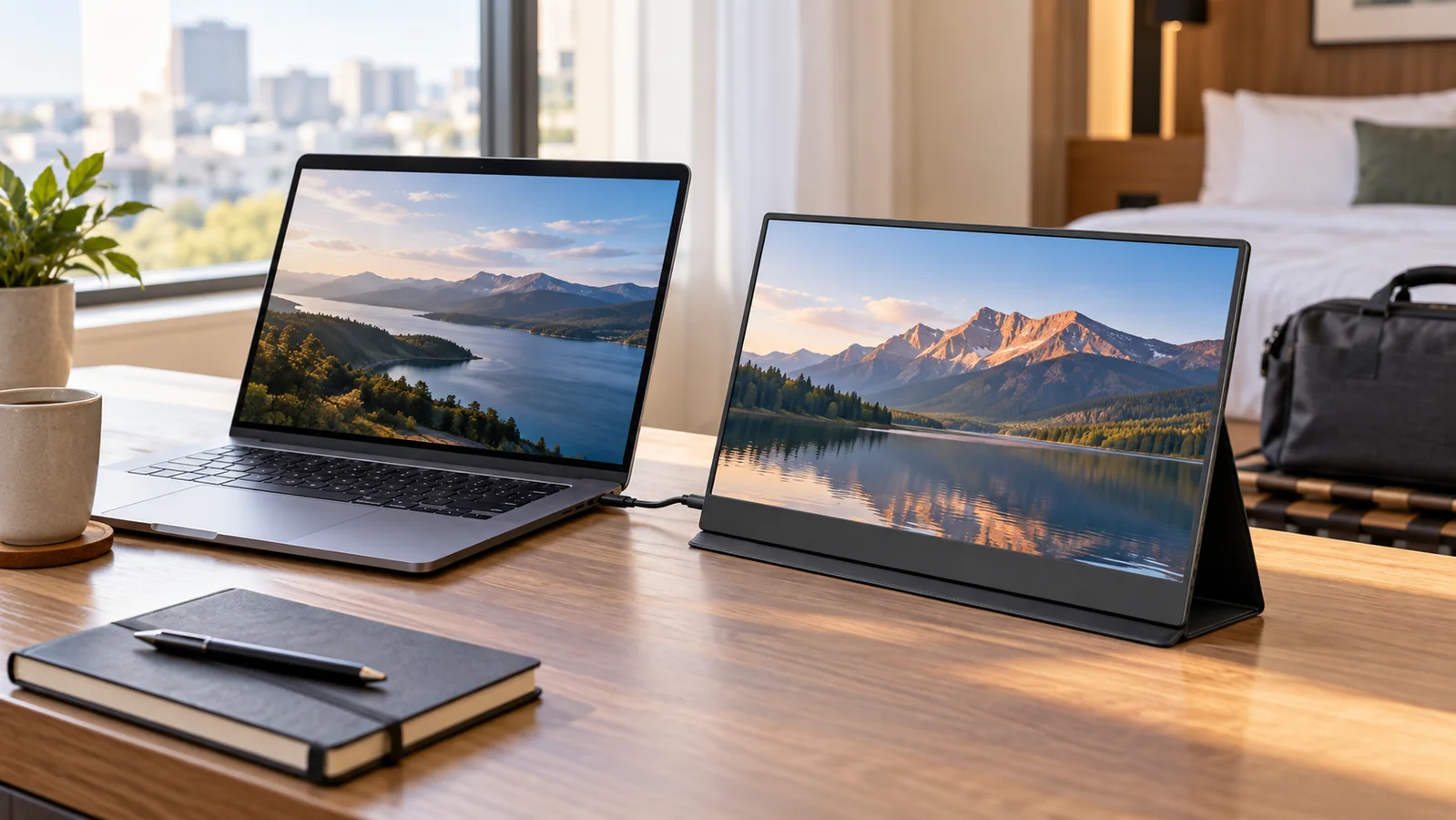
A portable monitor can make remote work feel less cramped, especially if you spend time in hotels, coworking spaces, or temporary desk setups. The trick is choosing a screen that is bright enough, easy to power, and stable enough to use without carrying a bag full of extras.
Shortlist
Portable monitor picks to compare
Some buttons use affiliate links to Amazon US. Check screen specs, included cables, and current listing details before buying.
15.6-inch USB-C Portable Monitor
Balanced size, simple one-cable setup, and enough screen space for travel work.
Check on Amazon14-inch Slim Travel Monitor
Easier to carry in a backpack and better for cramped hotel desks or cafe tables.
Check on Amazon2K Portable Monitor
A higher-resolution screen category for users who read spreadsheets, code, or dense documents.
Check on AmazonTouchscreen Portable Monitor
A more interactive monitor category for presentations, creative workflows, and touch-friendly apps.
Check on AmazonCompare portable monitor types
| Monitor type | Best for | Tradeoff |
|---|---|---|
| 14-inch 1080p | One-bag travel and cramped desks | Less screen area for big spreadsheets |
| 15.6-inch 1080p | General remote work and side-by-side apps | Heavier and wider in a backpack |
| 2K or higher resolution | Sharper text and dense interfaces | May need scaling and more power |
| Touchscreen monitor | Presentations and touch workflows | Compatibility can vary by laptop and OS |
Who should buy a portable monitor?
A portable monitor makes sense if you repeatedly miss having a second screen while traveling. It is useful for researchers, spreadsheet-heavy work, support dashboards, editing, coding, and video calls where you want notes on a separate display. If your work is mostly email and chat, a lighter laptop stand or tablet may be enough.
Quick picks
- Best everyday size: a 14-inch or 15.6-inch 1080p portable monitor.
- Best for one-cable setups: USB-C video and power through a single cable.
- Best for cramped desks: a monitor with a sturdy built-in stand.
- Best for sharp text: a higher-resolution screen if your laptop supports it well.
Screen size and weight
A 15.6-inch monitor gives you more room, but it can feel large in small hotel rooms and heavier in a backpack. A 14-inch model is often easier to carry and still useful for email, research, chat, and notes. Before buying, check both the screen weight and the weight of the cover or stand.
Brightness and finish
Portable monitors are often used in unpredictable lighting. Look for enough brightness for daytime work and consider a matte finish if glare bothers you. Glossy panels can look sharper, but reflections are more distracting when you cannot control the room.
How to choose between the picks
Start with the work you do most often. If you mainly keep chat, notes, or email open, a lighter 14-inch screen is enough. If you compare documents or use spreadsheets, a 15.6-inch screen gives more room. Choose higher resolution only if your laptop handles scaling well. Touchscreen models are useful for presentations, but they are not necessary for most writing or research work.
When to skip buying a portable monitor
Skip it if you only travel a few times a year or if your work does not benefit from a second screen. A tablet, laptop stand, or better window-management habit may solve the issue with less weight. A portable monitor is best for people who repeatedly lose time switching between windows.
Compatibility checklist
Confirm that your laptop supports video output over USB-C, not just charging. If it does not, you may need HDMI plus a separate power cable. Also check whether the monitor includes the right cables in the box and whether the stand angle is usable at your typical working height.
Common buying mistakes
The most common mistake is buying a monitor before checking laptop compatibility. Some USB-C ports charge devices but do not send video. Another issue is the stand: many portable monitors include a folding cover that works on a flat table but becomes annoying on soft surfaces or narrow hotel desks.
Also check the return policy before buying. Portable monitors can look similar online, but panel brightness, stand stability, cable behavior, and color quality are easier to judge once the screen is connected to your actual laptop and placed on the kind of desk you normally use.
Portable monitor FAQ
- Is 1080p enough for a portable monitor?
- For 14-inch and 15.6-inch screens, 1080p is fine for most work. Higher resolution helps with text clarity but can cost more and use more power.
- Can one USB-C cable handle video and power?
- Yes, if both the laptop and monitor support USB-C DisplayPort Alt Mode and the cable is capable of carrying video.
- Should I choose matte or glossy?
- Matte is usually better for travel work because lighting is unpredictable. Glossy panels can look sharper but reflect more.