Workspace guide
Best Workspace Accessories for Small Desks
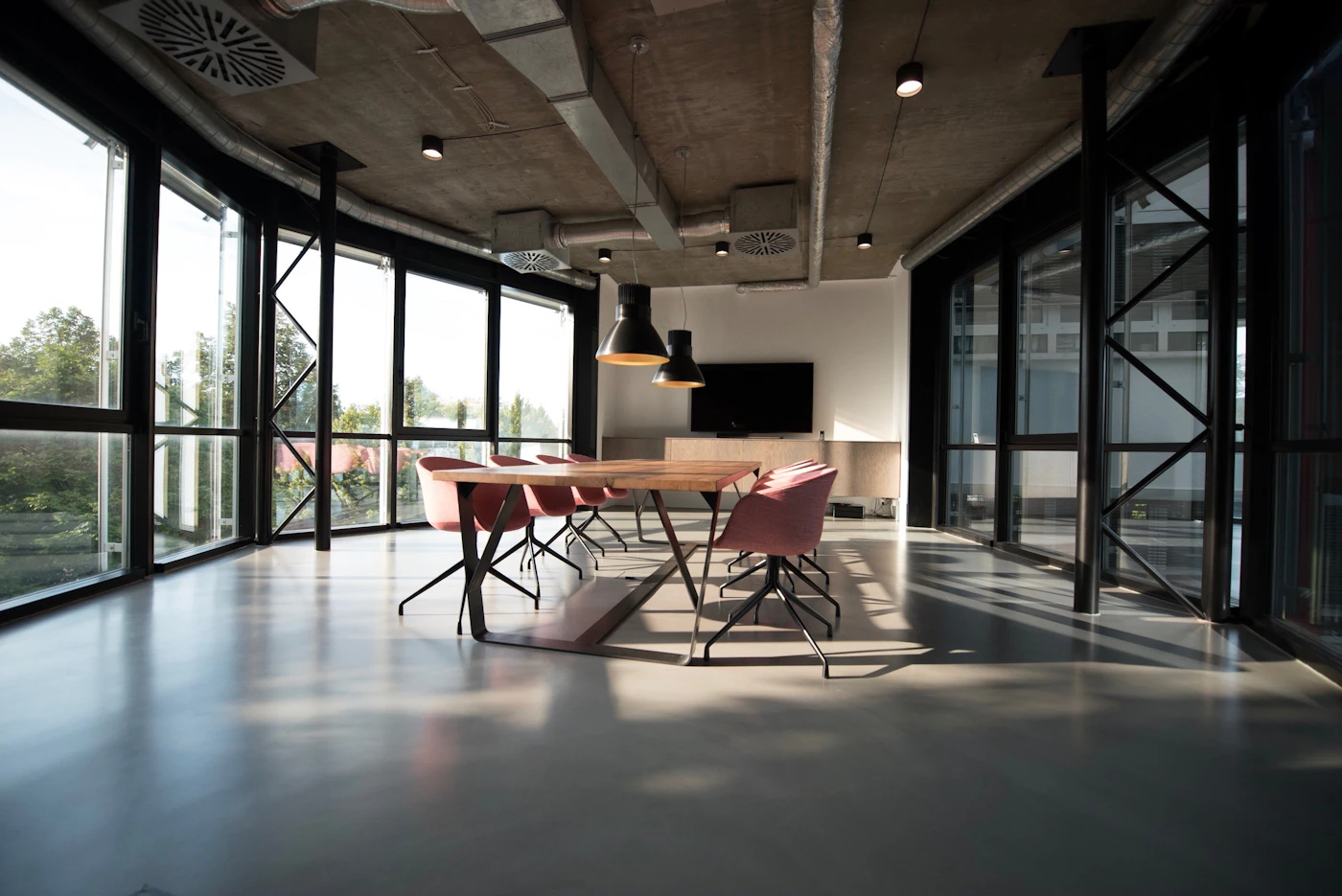
A small desk can work well when every accessory earns its place. The best upgrades are not necessarily the most expensive ones; they are the items that free up surface area, reduce visual clutter, and make the desk easier to use for several hours at a time.
Shortlist
Small workspace picks to compare
These picks focus on compact workspace upgrades available through Amazon US. Check the current listing details, dimensions, and seller information before buying.
Compact Writing Desk
A simple small-space desk option for laptop work, study setups, and compact home offices.
Check on AmazonErgonomic Mesh Office Chair
A budget-friendly chair category for longer desk sessions when a stool or dining chair is no longer enough.
Check on AmazonAdjustable Laptop Stand
A compact stand category that raises the screen and creates more usable room under the laptop.
Check on AmazonUnder-Desk Cable Management Tray
A practical organizer category for moving power strips and cable loops off the floor.
Check on AmazonCompare small-desk upgrades
| Upgrade | Best for | Why it helps |
|---|---|---|
| Compact writing desk | Small rooms and study corners | Creates a dedicated work surface without taking over the room |
| Ergonomic mesh chair | Longer work sessions | Adds back support and adjustability missing from dining chairs |
| Adjustable laptop stand | Laptop-first setups | Raises the screen and frees space below the laptop |
| Cable tray | Permanent desk setups | Moves chargers and power strips away from the work surface |
Start with the accessory that removes the biggest friction
On a small desk, one good upgrade can do more than five decorative accessories. If your neck hurts, start with screen height. If the desk always looks messy, start with cables. If you work for more than an hour at a time, the chair usually matters more than a new desk mat.
Quick picks
- Best space saver: a sturdy monitor arm or laptop stand.
- Best comfort upgrade: a compact wrist rest or adjustable footrest.
- Best cleanup tool: an under-desk cable tray with reusable ties.
- Best focus upgrade: a dimmable desk lamp with adjustable color temperature.
What matters most on a small desk
Start with vertical space. A monitor arm, laptop riser, or shelf can reclaim the area under your screen while bringing the display closer to eye level. After that, focus on cable routing: even a simple tray and a few reusable ties can make a compact workstation feel calmer.
Avoid accessories that solve one problem by creating another. Oversized desk mats, bulky speakers, and large charging docks can look good in photos but may crowd your keyboard and mouse area. Measure the depth of your desk before buying anything that sits in front of you.
How to choose between the picks
Start with the item that changes your daily posture or clears the most surface area. A compact desk helps when you do not have a stable work zone yet. A chair helps when your body complains after long sessions. A laptop stand helps when the screen sits too low. Cable management helps when the desk looks messy even after you clean it.
When to skip buying more accessories
Skip new accessories if the desk already feels crowded. Remove unused items first, route the cables you already have, and measure the remaining space. Many small offices improve faster from subtraction than shopping. Buy only when the item solves a clear problem you notice every day.
Buying checklist
Look for accessories with adjustable sizing, neutral finishes, and easy installation. If you rent or move often, clamp-based accessories are usually safer than anything requiring screws. If you share the desk with gaming, study, or creative work, choose pieces that can be moved quickly rather than permanent single-purpose fixtures.
Common buying mistakes
The most common mistake is buying accessories before measuring the desk. Depth matters as much as width because keyboards, laptops, notebooks, and lamps all compete for the same front-to-back space. Another mistake is buying a large desk mat too early; it can hide cable clutter without actually solving it.
Before buying, sketch the desk from above and mark where your laptop, keyboard, mouse, drink, lamp, charger, and notebook actually sit. That simple map reveals whether you need vertical storage, better cable routing, a smaller lamp base, or fewer items on the desk.
Small desk accessory FAQ
- What should I upgrade first on a small desk?
- Start with the issue that bothers you daily: screen height, seating comfort, cable clutter, or poor lighting.
- Is a monitor arm worth it?
- It can be, especially if your desk is deep enough and the edge supports a clamp. For laptop-only setups, a laptop stand may be simpler.
- How do I avoid clutter after adding accessories?
- Choose items that stack, clamp, fold, or route cables. Avoid single-purpose gadgets that permanently occupy the main work surface.