Tech guide
Best USB-C Chargers for Everyday Carry
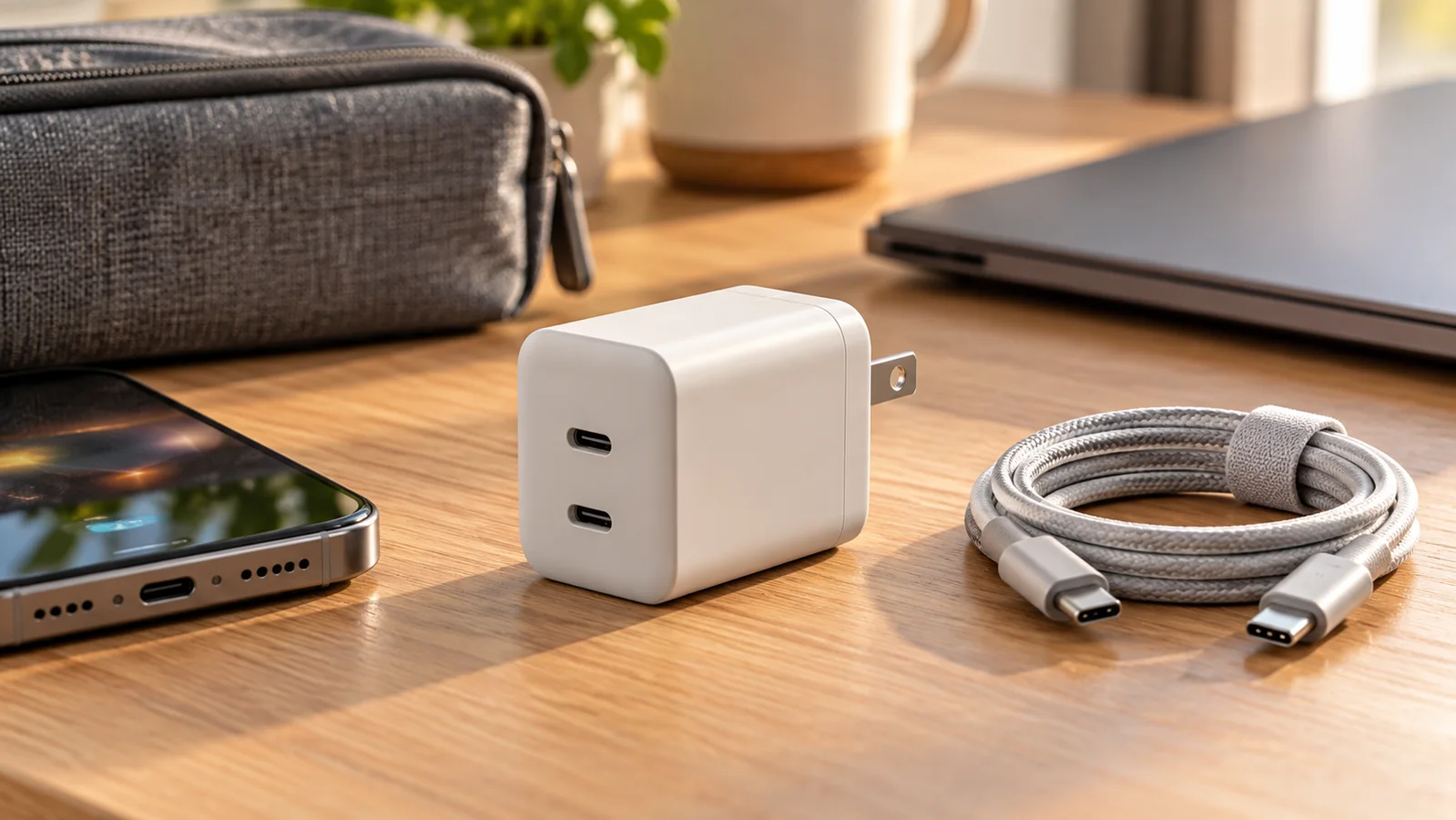
A good USB-C charger should reduce what you carry, not add another confusing brick to your bag. The best everyday option depends on your devices: a phone-only setup needs much less wattage than a laptop, tablet, earbuds, and handheld gaming device.
Shortlist
USB-C charger picks to compare
Some buttons use affiliate links to Amazon US. Check wattage, power-sharing behavior, and current listing details before buying.
65W GaN USB-C Charger
Enough power for many laptops while staying compact enough for a daily bag.
Check on AmazonUSB-C Multi-Outlet Power Strip
Adds multiple outlets and USB-C access for desk setups, travel rooms, or shared charging.
Check on Amazon30W Compact USB-C Charger
A small charger category for phones, earbuds, tablets, and light everyday carry.
Check on Amazon100W Multi-Port USB-C Charger
A higher-output charger category for laptop, tablet, phone, and accessory charging from one brick.
Check on AmazonCompare charger types
| Charger type | Best for | Watch out for |
|---|---|---|
| 30W USB-C charger | Phones, earbuds, small tablets | Usually not enough for most laptops |
| 65W GaN charger | Phone plus many thin laptops | Power may drop when multiple ports are used |
| 100W multi-port charger | One-bag travel and multi-device kits | Larger size and higher cost |
| USB-C power strip | Hotel rooms, desks, shared charging | Less pocketable than a wall charger |
How much wattage do you actually need?
Start with the most demanding device you carry. If your laptop charges over USB-C at 45W or 65W, a 65W GaN charger is a sensible everyday baseline. If you only charge a phone, a 30W charger is smaller and cheaper. If you often charge a laptop and tablet at the same time, a 100W multi-port charger gives more breathing room.
Quick picks
- Best for phones: a compact 30W USB-C charger.
- Best for tablets and ultrabooks: a 45W to 65W charger.
- Best for one-bag travel: a multi-port 65W to 100W charger.
- Best cable pairing: certified USB-C cables rated for the wattage you need.
Wattage basics
Higher wattage does not automatically make a charger better. If your device only accepts a lower charging speed, extra wattage may not help. A 30W charger is plenty for many phones and small tablets. A 65W charger is a flexible choice for many thin laptops.
Ports and power sharing
Multi-port chargers are useful, but read how power is split when several devices are plugged in. A charger advertised as 65W may give the laptop less power when a phone is also connected. Look for clear power distribution charts from the manufacturer.
How to choose between the picks
Choose the smallest charger that reliably powers your most demanding device. Phone-only buyers should start with 30W because it is compact and easy to keep in a bag. Laptop users should start with 65W unless their computer clearly needs more. If you travel with a laptop, tablet, phone, earbuds, and battery bank, a 100W multi-port model is easier than carrying several bricks.
When to skip buying a new charger
Skip the upgrade if your current charger is certified, compact enough, and already charges your devices at an acceptable speed. A new charger is most useful when you are replacing several separate adapters, reducing travel weight, or fixing a laptop setup that charges too slowly during real work.
Safety and travel details
Choose chargers from reputable brands with clear safety certifications and temperature protections. For travel, folding prongs and a compact shape matter. If you travel internationally, check voltage compatibility and bring the correct plug adapter.
Common buying mistakes
Do not assume the headline wattage applies to every port at once. Many chargers advertise a maximum output that only applies when one device is plugged in. For multi-port models, read the power distribution chart and confirm whether your laptop still gets enough power when your phone or tablet is also connected.
Before checking out, confirm three things: your device supports the charging speed you expect, the included or existing cable is rated for that speed, and the charger shape will not block nearby outlets. Those small details matter more in daily use than a slightly higher headline wattage.
USB-C charger FAQ
- Is GaN worth it?
- Usually yes for travel. GaN chargers are often smaller for the same wattage, which makes them easier to carry every day.
- Can a high-watt charger damage my phone?
- A reputable USB-C PD charger should negotiate the power your device accepts. The phone does not automatically pull the full advertised wattage.
- Do I need a special cable?
- For higher wattage charging, yes. Use a USB-C cable rated for the wattage you expect, especially for 100W laptop charging.
- Is a multi-port charger better than separate chargers?
- It is better for travel and clean desks, but separate chargers can be simpler if several people charge devices at the same time.